
Daikin D'SmartHome2.2 - App Store
You'll be able to see results in few seconds.
Publisher Description
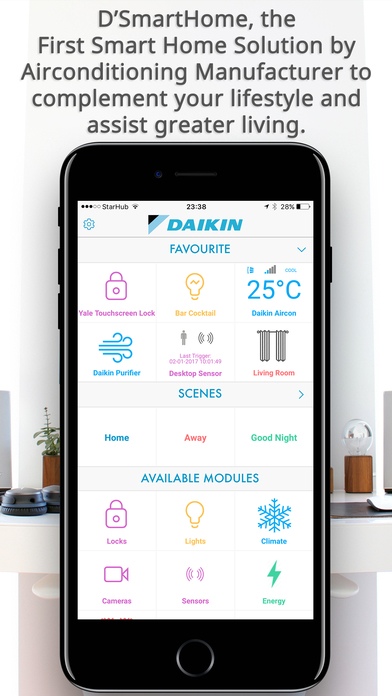
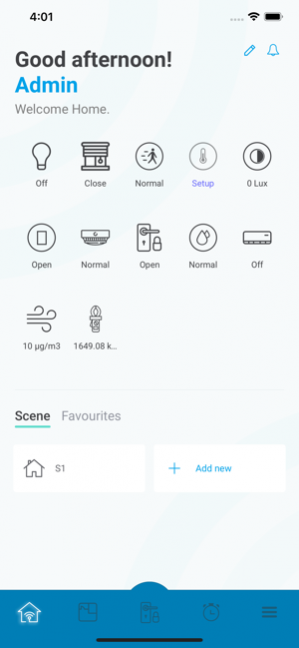
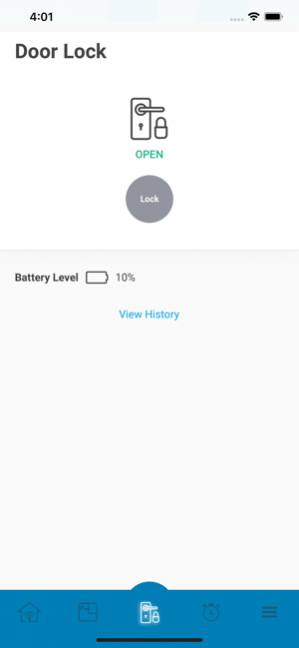
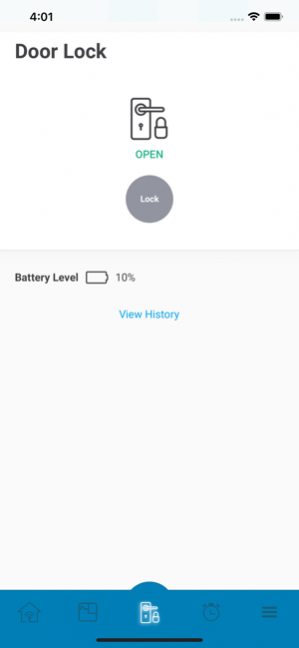
Daikin, the World’s Leading Airconditioning Brand brings to you D'SmartHome, the First Smart Home Solution by Airconditioning Manufacturer to complement your lifestyle and assist greater living.
Like a dream butler, D'SmartHome attends to the various living convenience you sought for in your active lifestyle and pays attention to the minor details providing the peace of mind.
Enjoy convenience of:
1) Monitoring your loved ones when they are with the helper or alone and alerting you of their actions;
2) Additional pair of helping hands when you reach home after a shopping day and your hands are full;
3) Warning you the air quality of your premise to take necessary actions for your loved ones;
4) Looking after your property around the clock or if you go for long holiday;
Our system is also progressively learning your different needs to provide you with greater lifestyle coverage in versions to come.
We invite you to feel the difference with Daikin’s D'SmartHome, the truly intelligent solution.
Nov 23, 2019 Version 2.2
Add Mydlink lite app to setting page.
About Daikin D'SmartHome
The company that develops Daikin D'SmartHome is Daikin Airconditioning (Singapore) Pte Ltd. The latest version released by its developer is 2.2.
To install Daikin D'SmartHome on your iOS device, just click the green Continue To App button above to start the installation process. The app is listed on our website since 2019-11-23 and was downloaded 0 times. We have already checked if the download link is safe, however for your own protection we recommend that you scan the downloaded app with your antivirus. Your antivirus may detect the Daikin D'SmartHome as malware if the download link is broken.
How to install Daikin D'SmartHome on your iOS device:
- Click on the Continue To App button on our website. This will redirect you to the App Store.
- Once the Daikin D'SmartHome is shown in the iTunes listing of your iOS device, you can start its download and installation. Tap on the GET button to the right of the app to start downloading it.
- If you are not logged-in the iOS appstore app, you'll be prompted for your your Apple ID and/or password.
- After Daikin D'SmartHome is downloaded, you'll see an INSTALL button to the right. Tap on it to start the actual installation of the iOS app.
- Once installation is finished you can tap on the OPEN button to start it. Its icon will also be added to your device home screen.
Program Details
System requirements
Download information
Pricing
Version History
version 2.2
posted on 2019-11-23
Nov 23, 2019 Version 2.2
Add Mydlink lite app to setting page.
version 1.0
posted on 2017-01-06
version 2.2
posted on 1970-01-01
23 Νοε 2019 Version 2.2
Add Mydlink lite app to setting page.
version 2.2
posted on 1970-01-01
2019年11月23日 Version 2.2
Add Mydlink lite app to setting page.
Disclaimer
Official App Store Link
We do not host Daikin D'SmartHome on our servers. We did not scan it for viruses, adware, spyware or other type of malware. This app is hosted by Apple and passed their terms and conditions to be listed there. We recommend caution when installing it.
The App Store link for Daikin D'SmartHome is provided to you by apps112.com without any warranties, representations or guarantees of any kind, so access it at your own risk.
If you have questions regarding this particular app contact the publisher directly. For questions about the functionalities of apps112.com contact us.
